01
Capture your photo
Take a new photo with your phone or upload one you already have. No studio needed — just good lighting and a clear view of your face.
Get a government-compliant passport photo in under 3 minutes. No studio, no appointment — just your smartphone and our AI.
3 min
Average completion
18M+
Photos processed
99.7%
Acceptance rate
Format
35 x 45 mm
DPI
300
Output
Digital + print
Every detail is handled automatically. Here is exactly what you get.
Dimensions
35 x 45 mm
Background
White
Resolution
300 DPI
Digital
6 digital passport photos
Print layout
Printed 6x4 sheet with 4 photos
Verification
AI checked & expert verified
Each requirement below is checked during processing so your final photo stays aligned with the selected document standard.
Rule 01
Neutral facial expression with mouth closed
Rule 02
Both eyes open and clearly visible
Rule 03
No glasses, headwear, or hair covering the face
Rule 04
Taken within the last 6 months
Rule 05
No filters, edits, or retouching
Rule 06
Head centred and facing forward
Rule 07
Even lighting with no shadows on face or background
Rule 08
High resolution — at least 600 x 750 pixels
Three simple steps from your phone to a fully compliant passport photo. Most users finish in under 3 minutes.
Take a new photo with your phone or upload one you already have. No studio needed — just good lighting and a clear view of your face.
Our engine removes the background, aligns your face, adjusts brightness, and crops to the exact document dimensions automatically.
Before delivery, your photo is validated against official requirements by AI checks and human review so you can submit with confidence.
Your passport photo includes both a high-resolution digital file and a print-ready layout — everything you need for online and paper applications.
Learn everything about passport photo requirements, common mistakes, and how to create a compliant photo in minutes using modern tools.
Published
07 Apr 2026
Last update
07 Apr 2026
Written by
Sophie Müller
Image Quality & Compliance Specialist
Sophie focuses on ensuring passport photos meet strict international standards. She works on facial alignment, background correction, and validation pipelines to guarantee compliance with ICAO requirements and improve user success rates.
Approved by

Daniel Novak
Image Processing Specialist
Daniel focuses on computer vision and automated image validation systems. He works on optimizing passport photo generation, ensuring compliance with international biometric standards and improving image quality through AI pipelines.
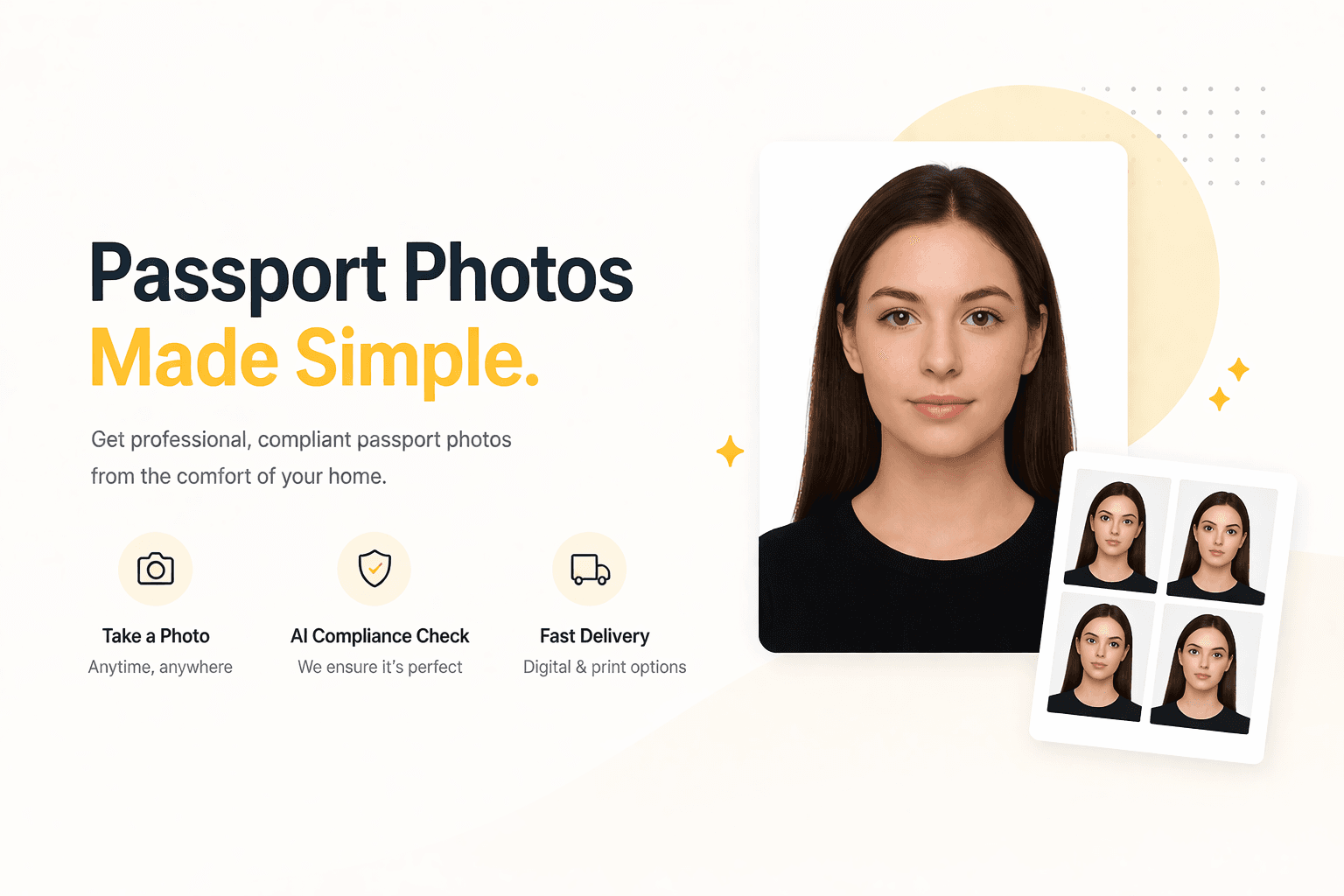
A passport photo is a standardized biometric image used for official identification documents such as passports, visas, and residence permits. Unlike regular photos, passport photos must follow strict international guidelines to ensure they can be reliably used for identity verification and facial recognition systems.
These requirements are defined by authorities such as ICAO (International Civil Aviation Organization) and enforced by individual countries. Even small deviations can lead to rejection, delays, or additional costs.
To ensure your photo is accepted, it must meet the following core criteria:
Different countries may have slightly different size or composition requirements, but these core rules apply almost everywhere.
Many passport applications are rejected due to simple and avoidable mistakes. The most common issues include:
Even if the photo looks “good” to the human eye, automated systems can reject it if it doesn’t meet technical standards.
Taking a compliant passport photo at home is easier than ever if you follow a few simple steps:
The key is consistency: lighting, positioning, and framing all need to match official standards.
Lighting and background are two of the most critical factors in passport photo validation.
A clean, evenly lit background ensures that your face is clearly distinguishable. Shadows, gradients, or textures can interfere with biometric systems and lead to rejection.
Similarly, poor lighting can distort facial features, create uneven skin tones, or introduce noise into the image. Soft, diffused lighting (such as daylight near a window) is ideal.
Each country defines specific dimensions for passport photos. For example:
Proper framing ensures that:
Incorrect cropping is one of the most common technical reasons for rejection.
Modern passport photo tools use AI to automate the entire process, making it faster and more reliable than traditional methods.
With an online solution, you can:
This significantly reduces the risk of rejection and saves time compared to visiting a photo studio.
For most users, this is the simplest and most efficient way to create a valid passport photo.
A passport photo may seem like a small detail, but it plays a critical role in your application process. Following the correct guidelines ensures a smooth experience and avoids unnecessary delays.
By understanding the requirements and using the right tools, you can create a professional, compliant passport photo in just a few minutes — from anywhere.
Move from reading to upload in a single step and get an AI-checked, compliant output in just a few minutes.
Everything you need to know about creating your passport photo with PassportShot.
Yes, modern smartphones are fully capable of taking high-quality passport photos. The key is to ensure proper lighting, a plain background, and correct positioning. Using an online tool can help you automatically adjust and validate the image.
Most countries require a plain white or light-colored background with no patterns or shadows. The background should be evenly lit and free from objects or textures.
No, you should maintain a neutral facial expression. Smiling, showing teeth, or exaggerated expressions may lead to rejection.
In most cases, glasses are not recommended. Reflections, glare, or tinted lenses can obscure your eyes and cause the photo to be rejected.
Wear everyday clothing in neutral colors. Avoid uniforms, overly bright colors, or anything that blends into the background (such as white on a white background).
Typically, passport photos must be taken within the last 6 months to reflect your current appearance. Significant changes in appearance may require a new photo.
Basic adjustments like cropping, brightness, and background correction are allowed. However, altering facial features or heavily retouching the image is not permitted.
Common reasons include incorrect background, poor lighting, incorrect head position, low image quality, and incorrect size specifications.
The size depends on the country. For example, the US requires 2x2 inches, while many European countries use 35x45 mm. Always check the specific requirements for your country.
Yes, online tools simplify the process by automatically adjusting the background, aligning your face, and ensuring compliance with official standards. This reduces the risk of rejection and saves time.
Feedback from customers who created their passport photo with PassportShot.
Emily Carter
US passport applicant
I needed a passport photo urgently and this tool saved me. The process was incredibly simple and the result was accepted without any issues.
23 Jan 2025
Danny
EU traveler
I was surprised how precise the cropping and alignment were. Everything matched official requirements perfectly.
17 Jun 2025
Anna Petrova
First-time passport applicant
The interface is intuitive and easy to use. I didn’t need any instructions — everything just worked.
20 Aug 2025
Laura Jensen
Denmark passport applicant
Instead of going to a studio, I did everything at home. It was quick, affordable, and hassle-free.
06 Sept 2025
Clara Schmidt
EU resident
If you need a passport photo, this is the easiest way to get it done right. Highly recommend to anyone.
09 Jan 2026
Review summary
4.7
out of 5
These ratings reflect published customer feedback for passport photo.
Need a photo for a different document? We support dozens of formats.
From your phone to a compliant photo in under 3 minutes. AI-checked, expert-verified, and backed by our acceptance guarantee.
No subscription. Instant delivery. Money-back guarantee.