01
Capture your photo
Take a new photo or upload one you already like. The flow works on both phone and desktop.
No studio needed. Just normal lighting and a neutral background.
Get your photograph within 3 minutes, with your smartphone, comfortably from home.
Choose a document3 min
Average completion
18M+
Photos processed
1M+
Users worldwide
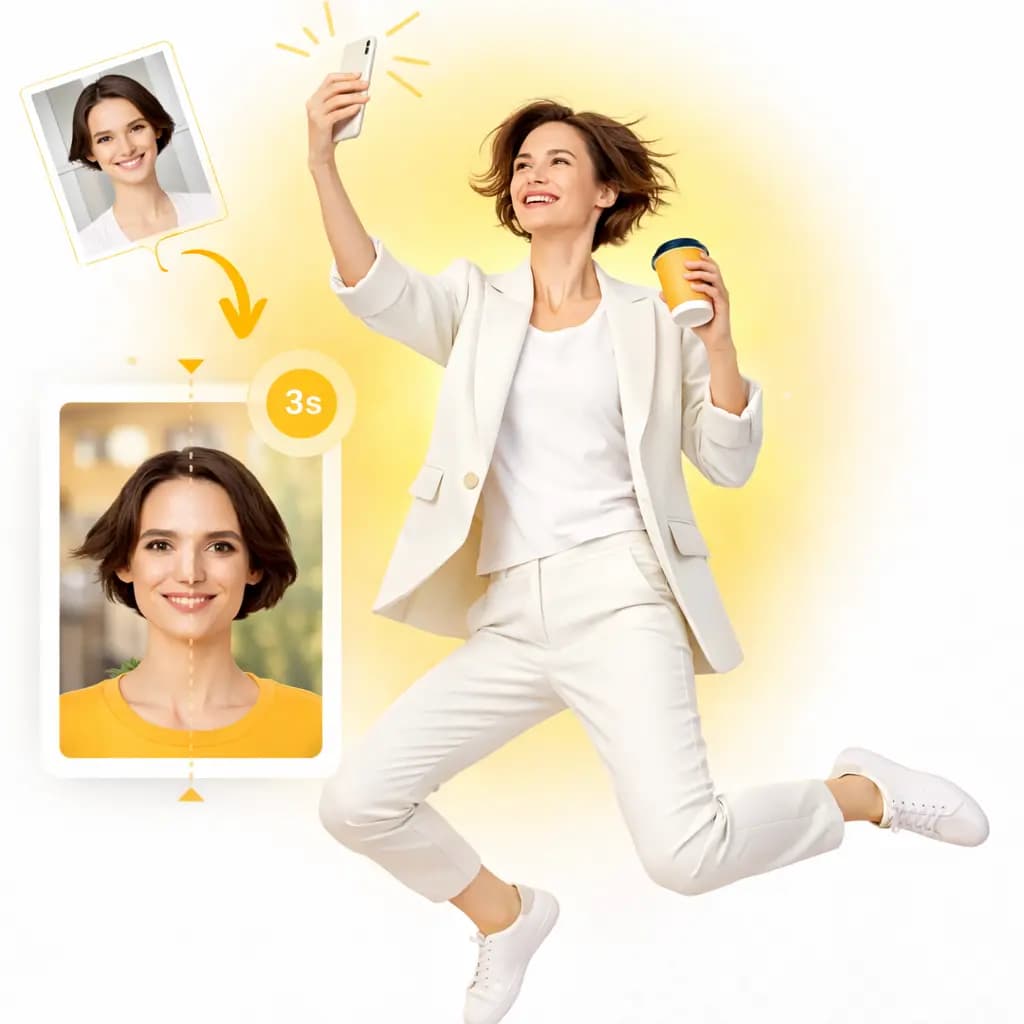


One smooth workflow for every document type: capture, AI tuning, and compliance checks before final output.
Take a new photo or upload one you already like. The flow works on both phone and desktop.
No studio needed. Just normal lighting and a neutral background.
Our engine auto-crops, aligns your face, adjusts background, and prepares the right document format.
Built-in checks reduce mistakes before submission.
Before delivery, your photo is validated against document requirements so you can submit with confidence.
Digital and print-ready outputs are generated in minutes.
Most users complete the full flow in under 3 minutes.
Capture at home, let AI optimize the image, and submit with confidence. Every step is built to reduce rejections and save time.
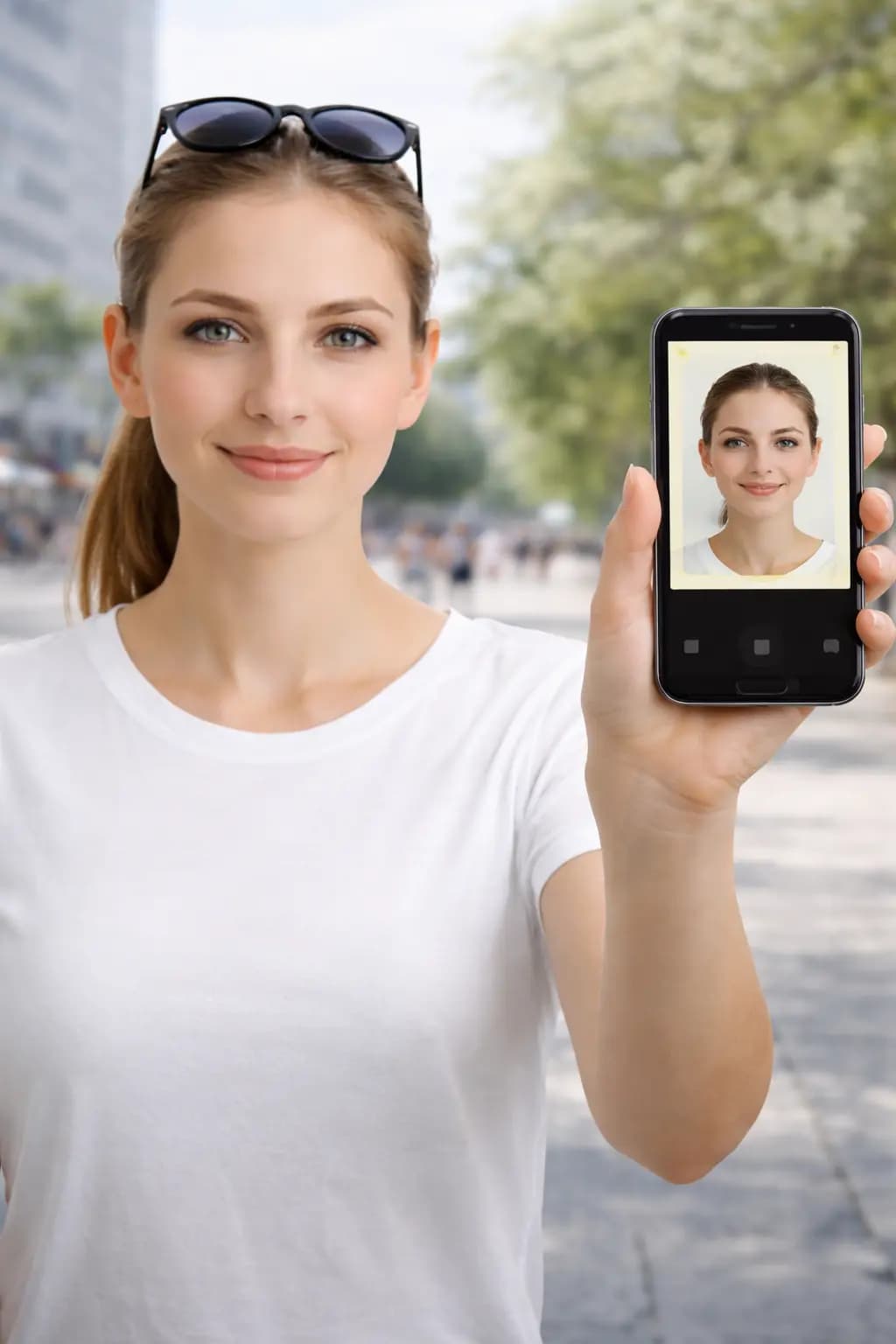
Follow these guidelines to create the perfect passport picture.
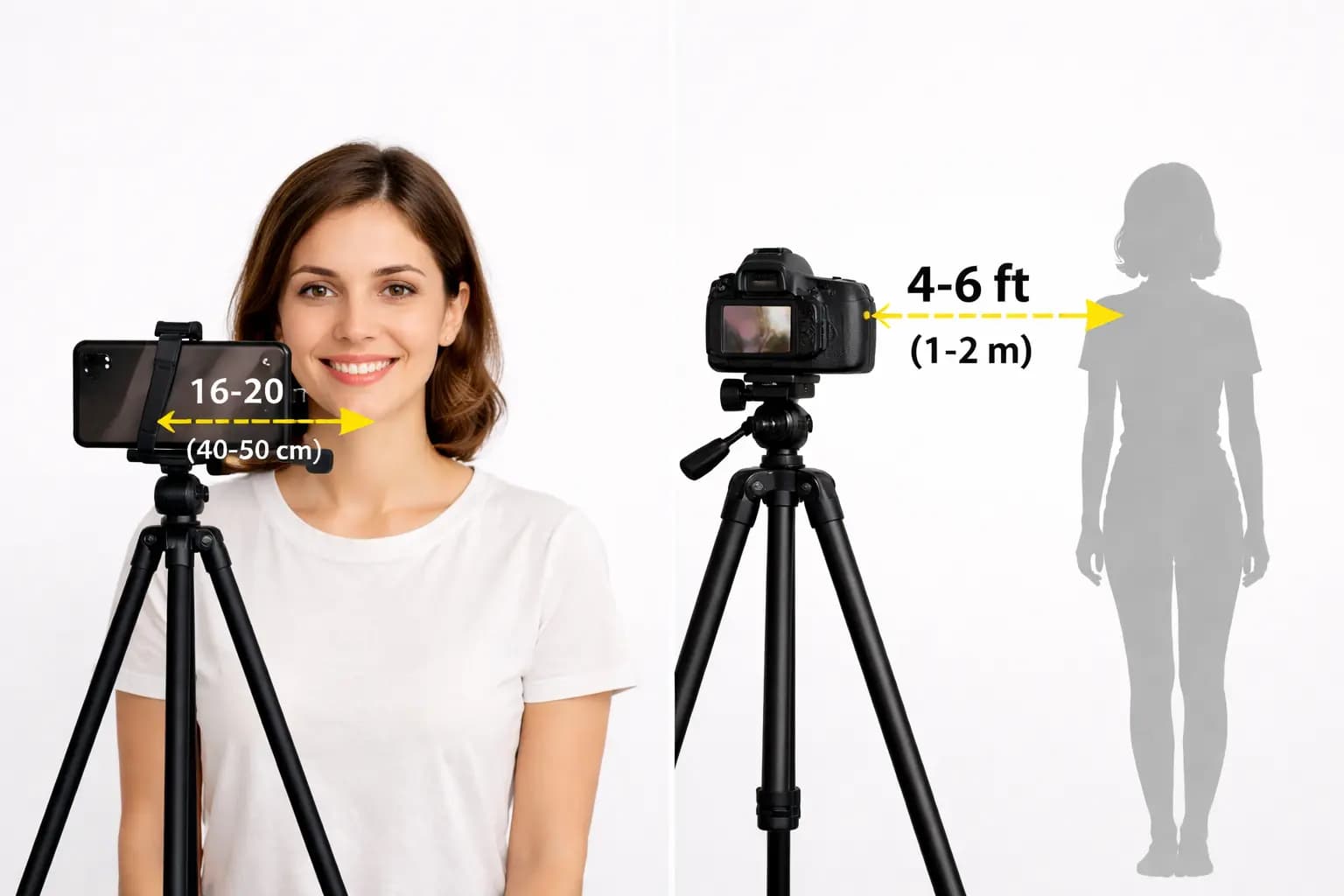
Keep your front-facing camera 16–20 inch (40–50 cm) away from the face. For rear cameras, keep a 4–6 foot (1–2 meter) distance.
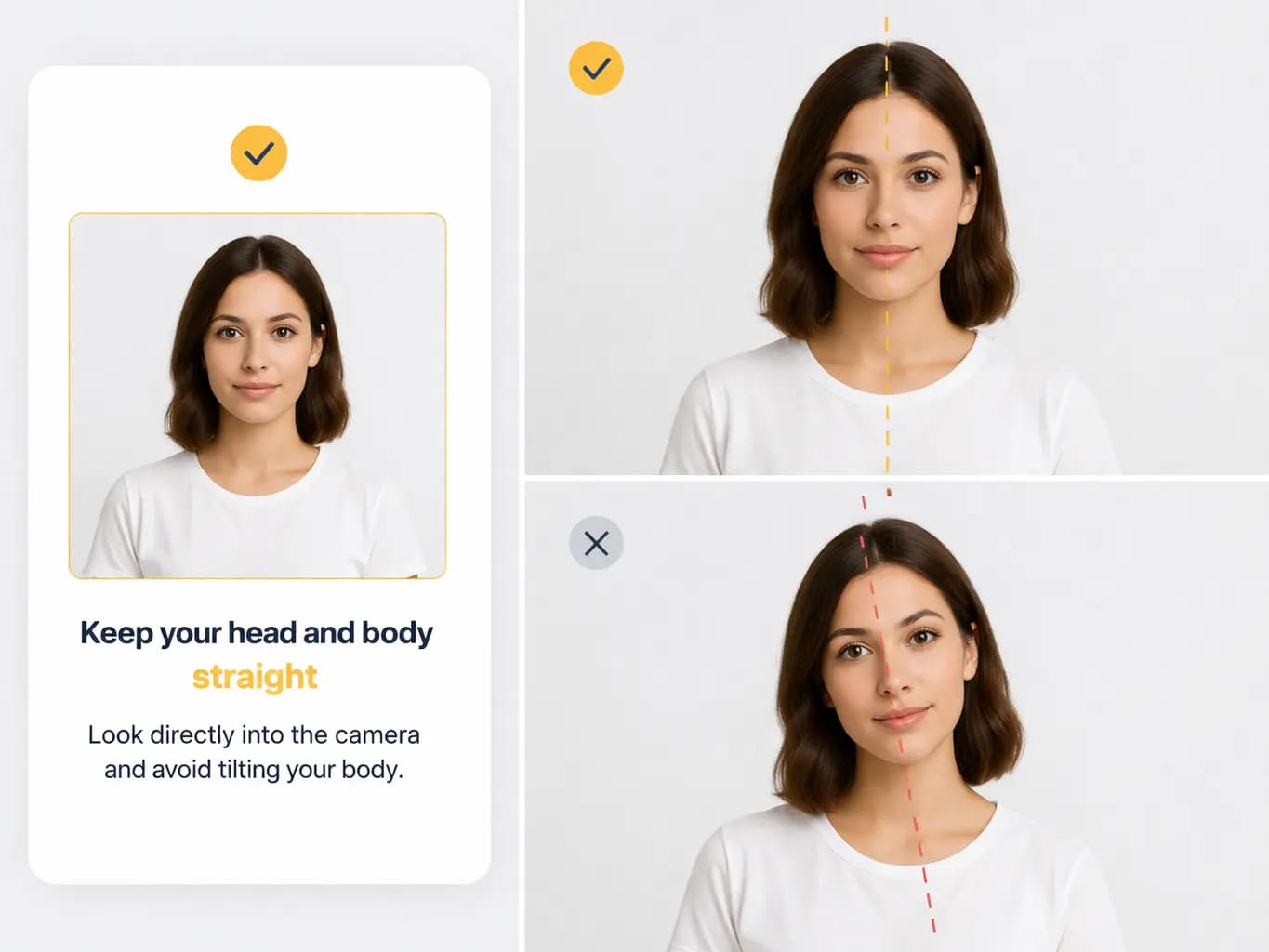
Look directly into the camera and avoid tilting your body. Remember, portrait mode is unacceptable for passport photos.
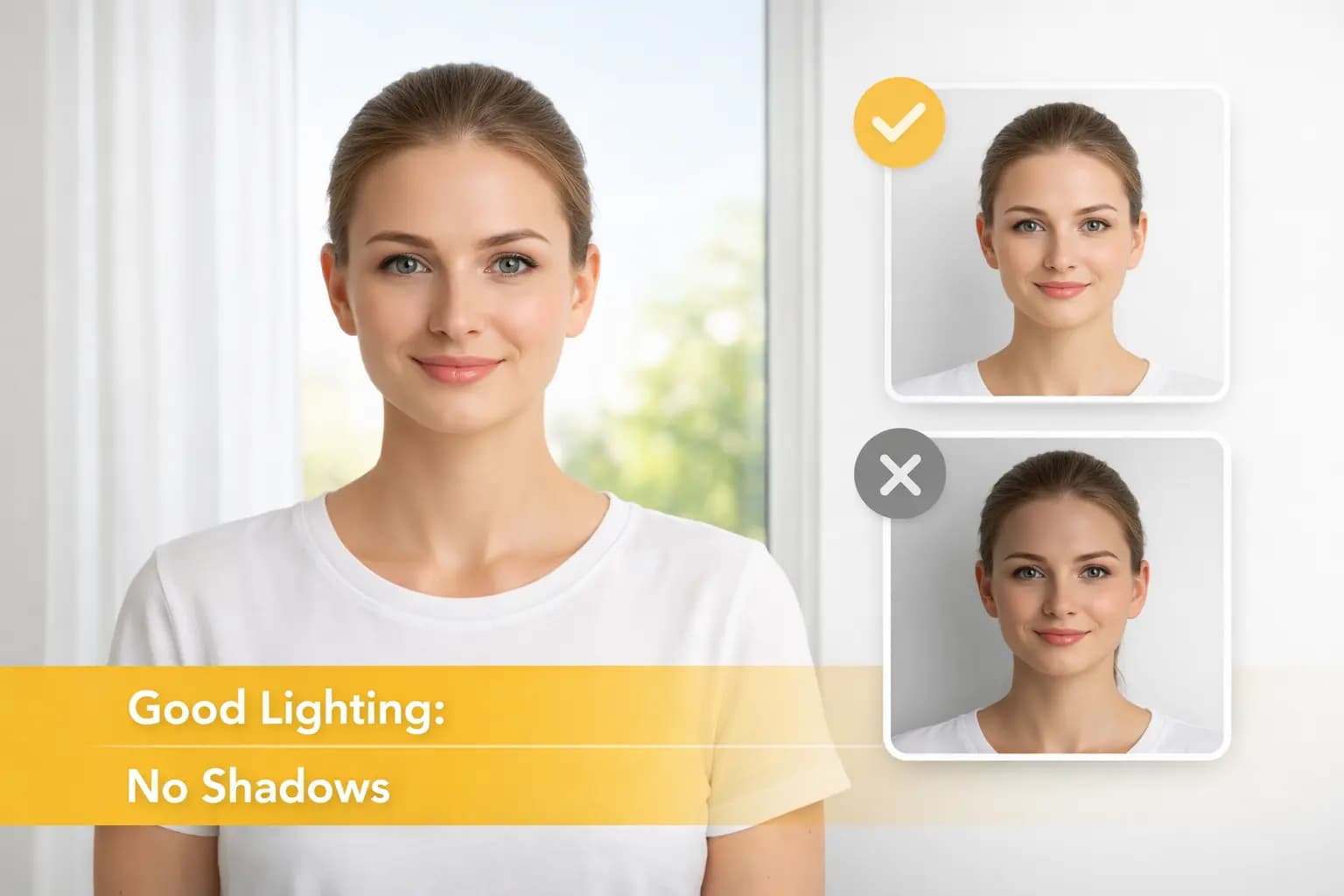
Take your passport photos in a daylight setting, like near a window on a sunny day. Shadows are not permitted.
Applying for a passport, visa, or ID card starts with one thing: a compliant photo. With smartphone capture, AI checks, and expert verification, PassportShot helps you produce document-ready photos in minutes.
18M+
Photos Processed
1M+
Users Worldwide
AI + Expert
Compliance Checks
Refund-backed
Acceptance Promise
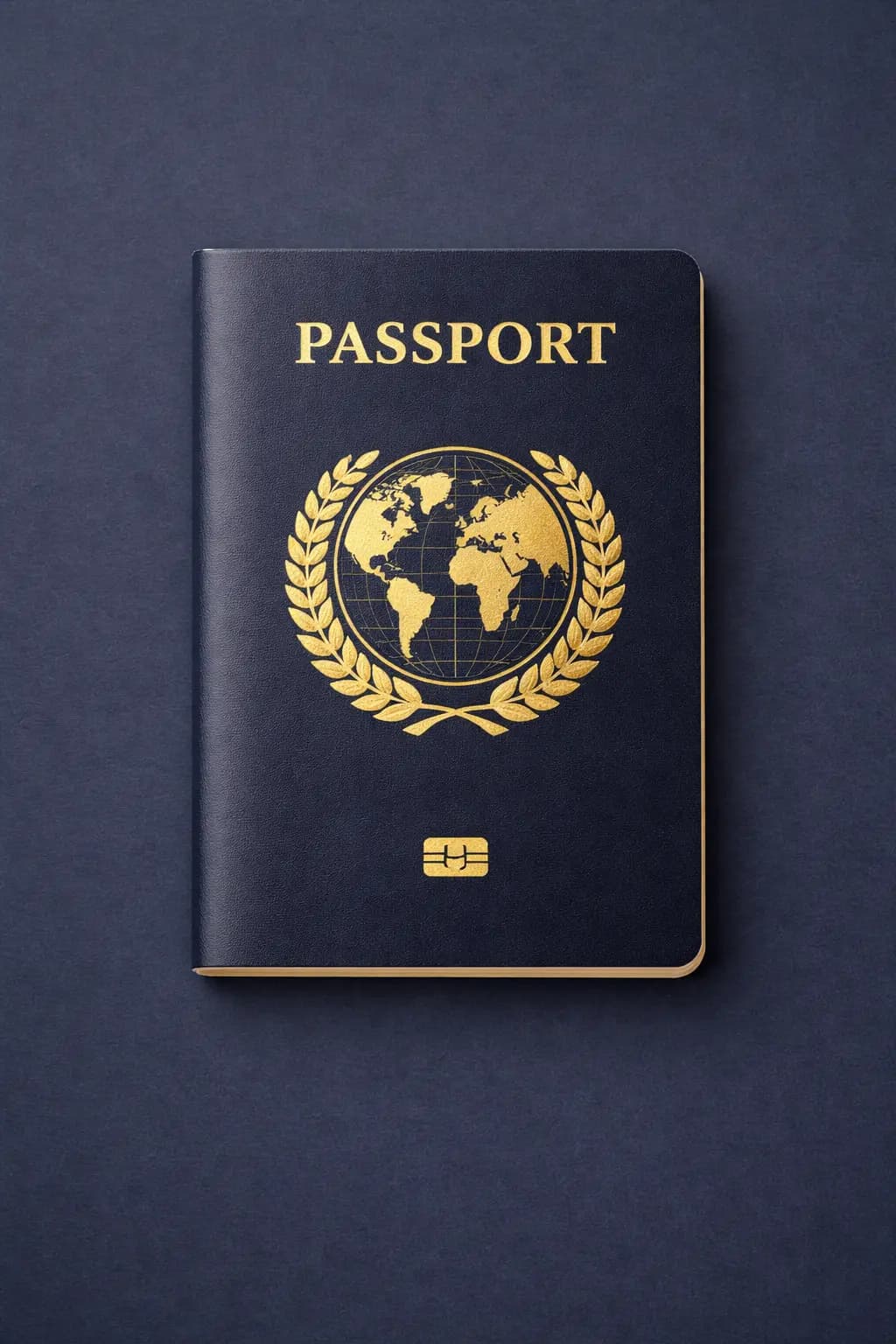
Different documents come with different photo requirements. An ID card photo may have lighter rules than a passport or visa photo, where every detail must be compliant.
With PassportShot, you can choose your document type and generate the right format without manually checking size, crop, or background rules.
The app supports passport photos for almost any country. That includes US passport photos (2 x 2 in), Canadian photos (50 x 70 mm), and many international formats (35 x 45 mm and more).
Instead of learning dimensions and file rules for each country, you simply select the document and let the tool prepare the final output.
Visa rules vary widely by destination. From US and China to Japan and Russia, each country can require specific size, framing, and background standards.
PassportShot helps you prepare visa-ready pictures by matching the selected country format automatically.
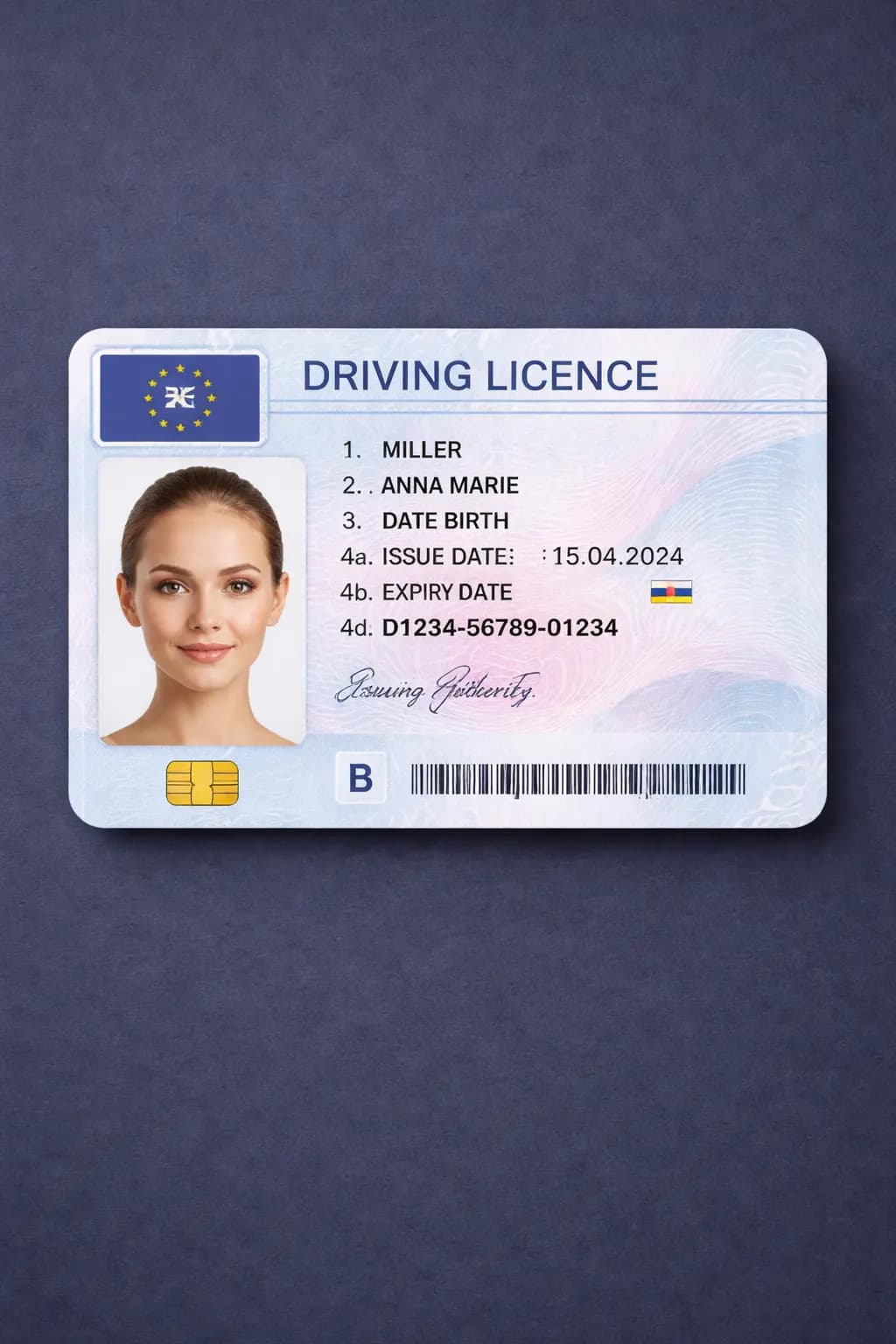
In many countries, a driving license is an official identity document and therefore needs a compliant photo.
Whether your application requires digital upload or printed output, PassportShot can prepare a driving license photo in the right format.
Yes, you can take a passport or visa photo at home using only your smartphone. The key is following simple capture rules and letting the app handle technical checks.
Document photos are straightforward if you avoid a few common issues that often lead to rejection.
For many passports, glasses are not allowed. Where they are accepted, there must be no glare and your eyes must be fully visible.
Your head should be straight, with full facial features visible and no upward or downward tilt.
A neutral expression is safest. A full smile can fail compliance checks in many countries.
PassportShot combines image editing tools with AI checks to verify if your photo meets official requirements.
It handles background cleanup, sizing, and composition checks so you can move faster with fewer retries.
Start with your document type and get an AI-checked, compliant photo output in just a few minutes.
Choose your documentEvery product page is tailored to its document rules, but the core flow stays the same: capture, validate, and export in the right format.
Same core flow for every document type
Step 1
Capture
Take or upload your photo.
Step 2
Adjust
AI checks and document matching.
Step 3
Deliver
Get file ready for print or digital use.
Your quick rating helps us improve guidance, photo checks, and document-specific instructions.
Average score
4.97 / 5
Total votes
49,757
Verified users
Real sessions
Rate this page
How useful was it?
Select a star to rate this page.
Current community rating
4.97
based on 49,757 votes